


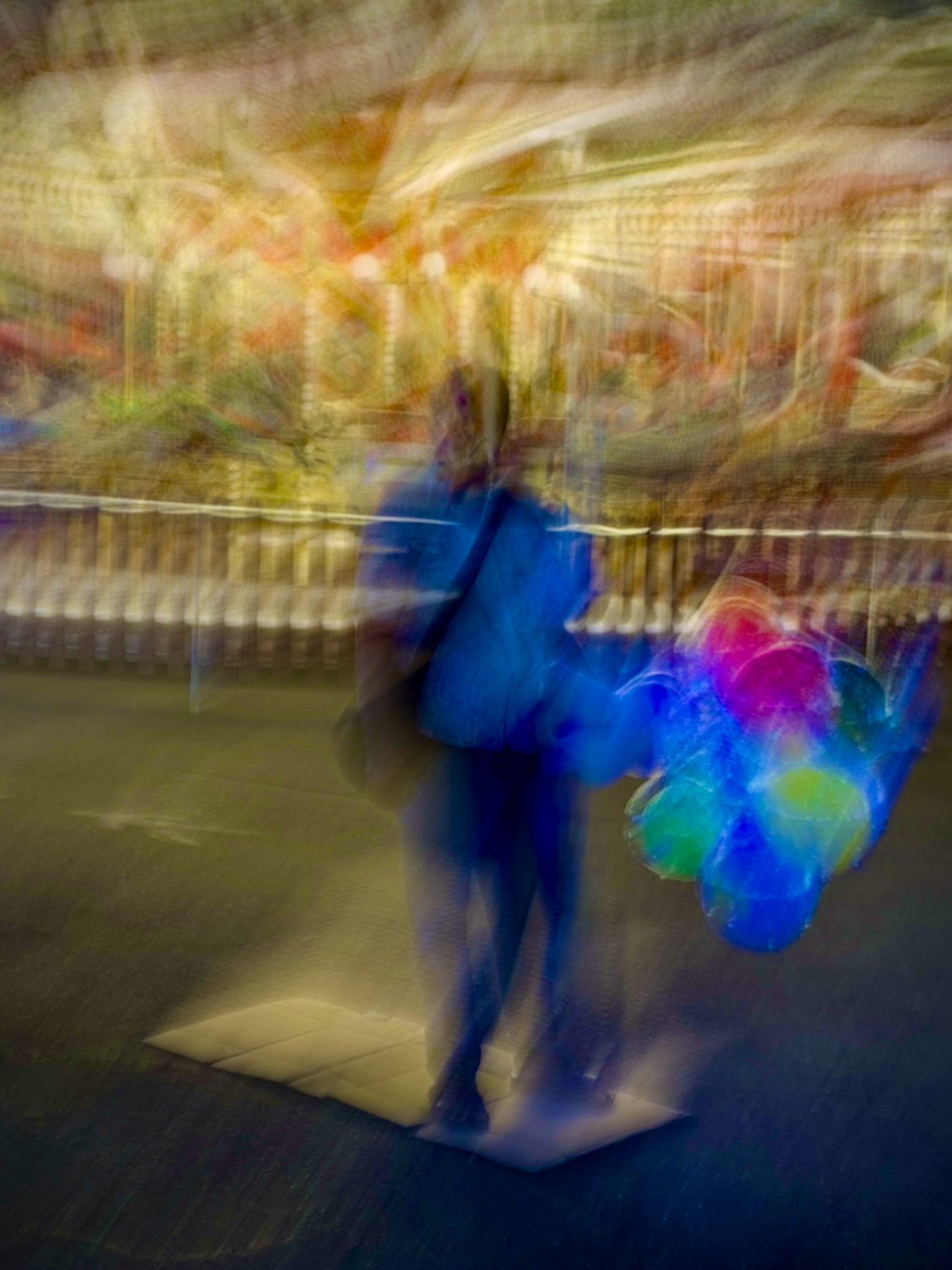
Yesterday, after a long workday, The Significant Other and I headed down to Genoa’s Porto Antico for an “Apericena”, Cocktails combined with Italian Tapas. I was pleasantly surprised, when the Regent of the Household suggested to visit the Summer Luna Park set up in the Harbor on the way back to our place. “So you can take some photographs while I look what the fair has to offer”. No questions asked from my side 🙂 . While having the X-T2 with me, I shot also various images with my iPhone, leveraging the feature to turn images taken with the “Live” function of the camera app turned on into long exposure photographs (you can to that in the photo app). Check out more image of the series “Luna Park with an iPhone” after the jump….

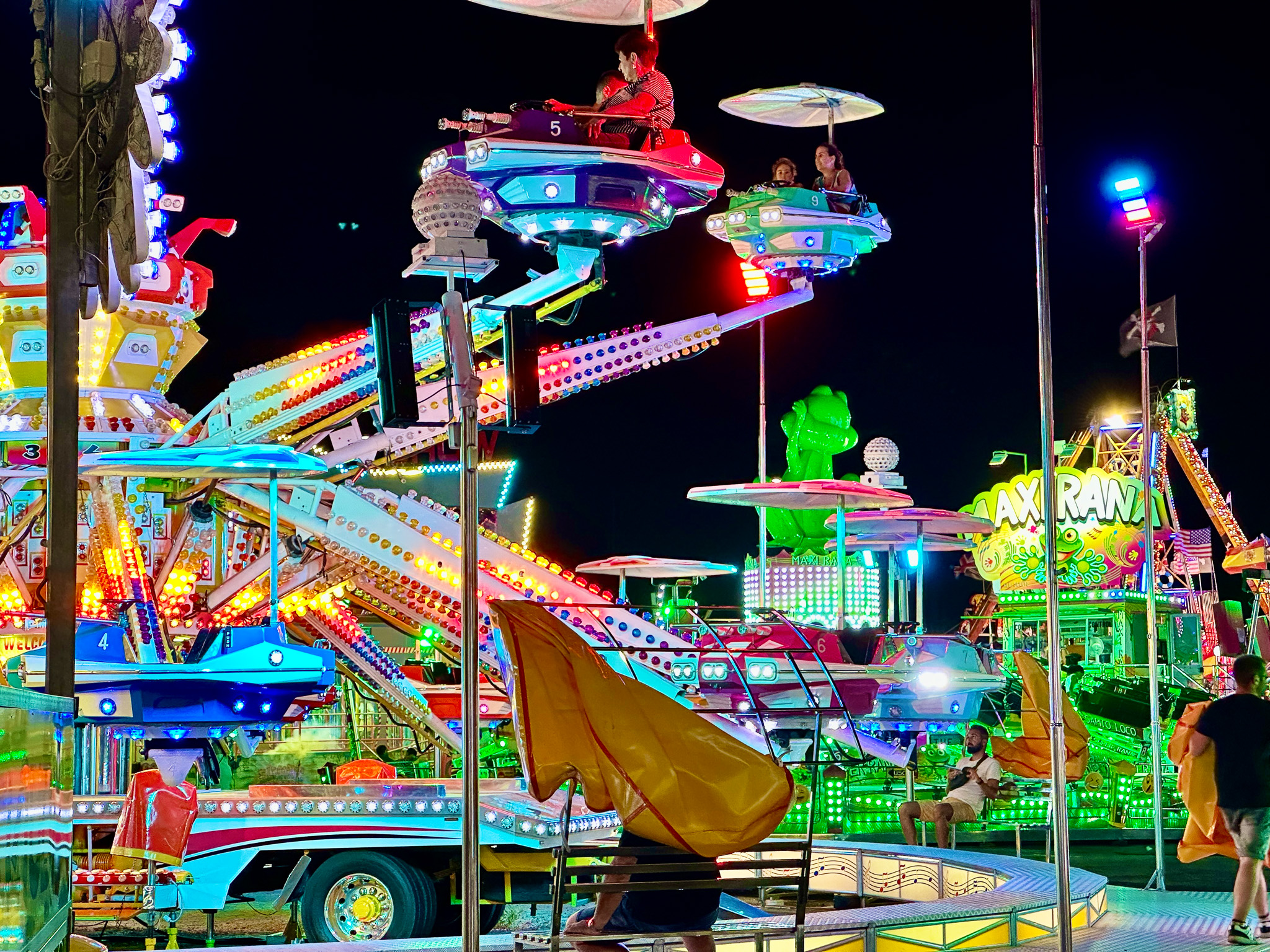

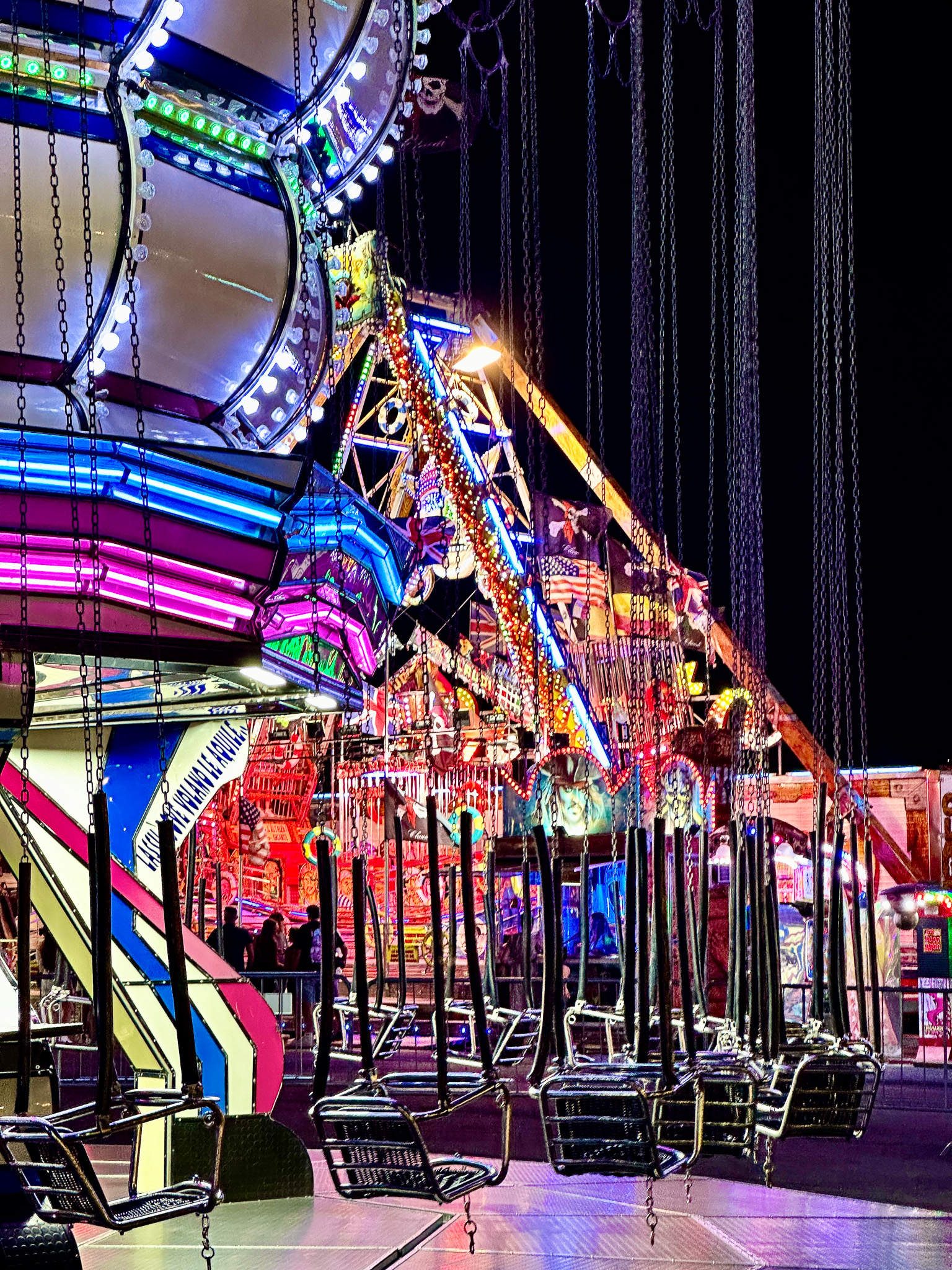
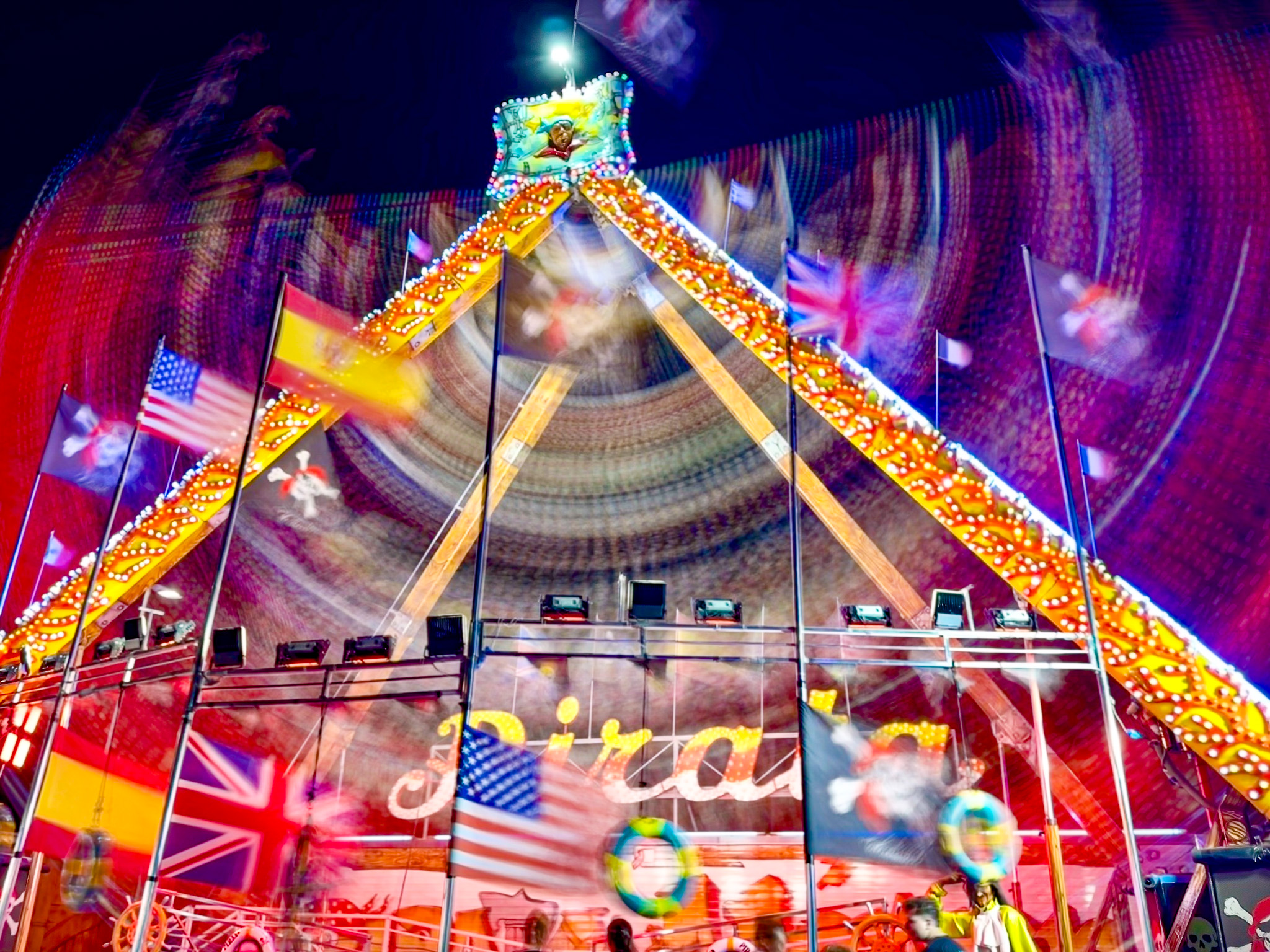
The image above has been turned into a long exposure photograph from the “LIVE” image below, just by selecting “long exposure” from the drop down menue on the top left when looking a a photo in the app where it says “LIVE” for alle images taken with the “LIVE” function turned on when shooting. Kind of a hidden feature but fun to use

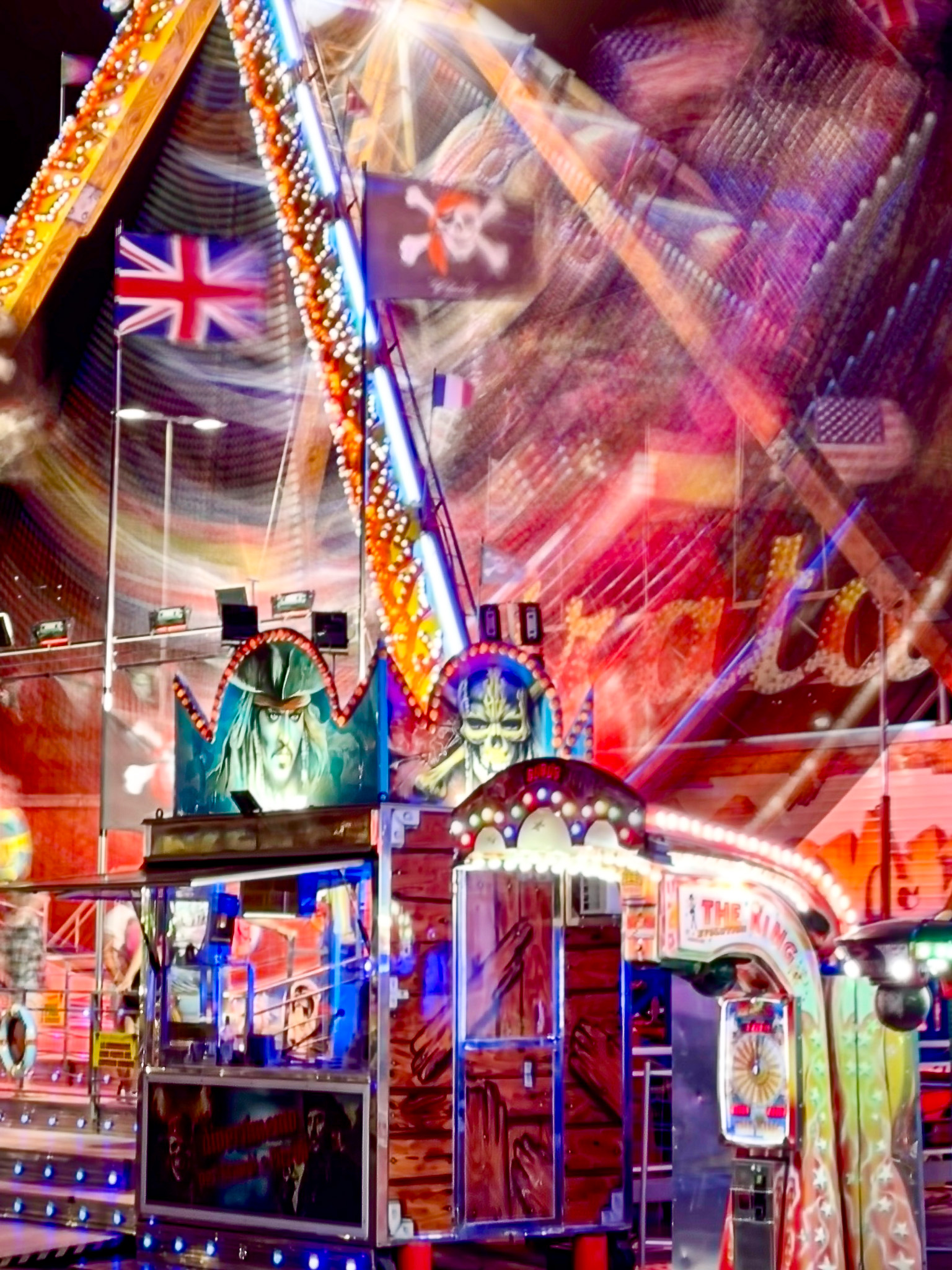

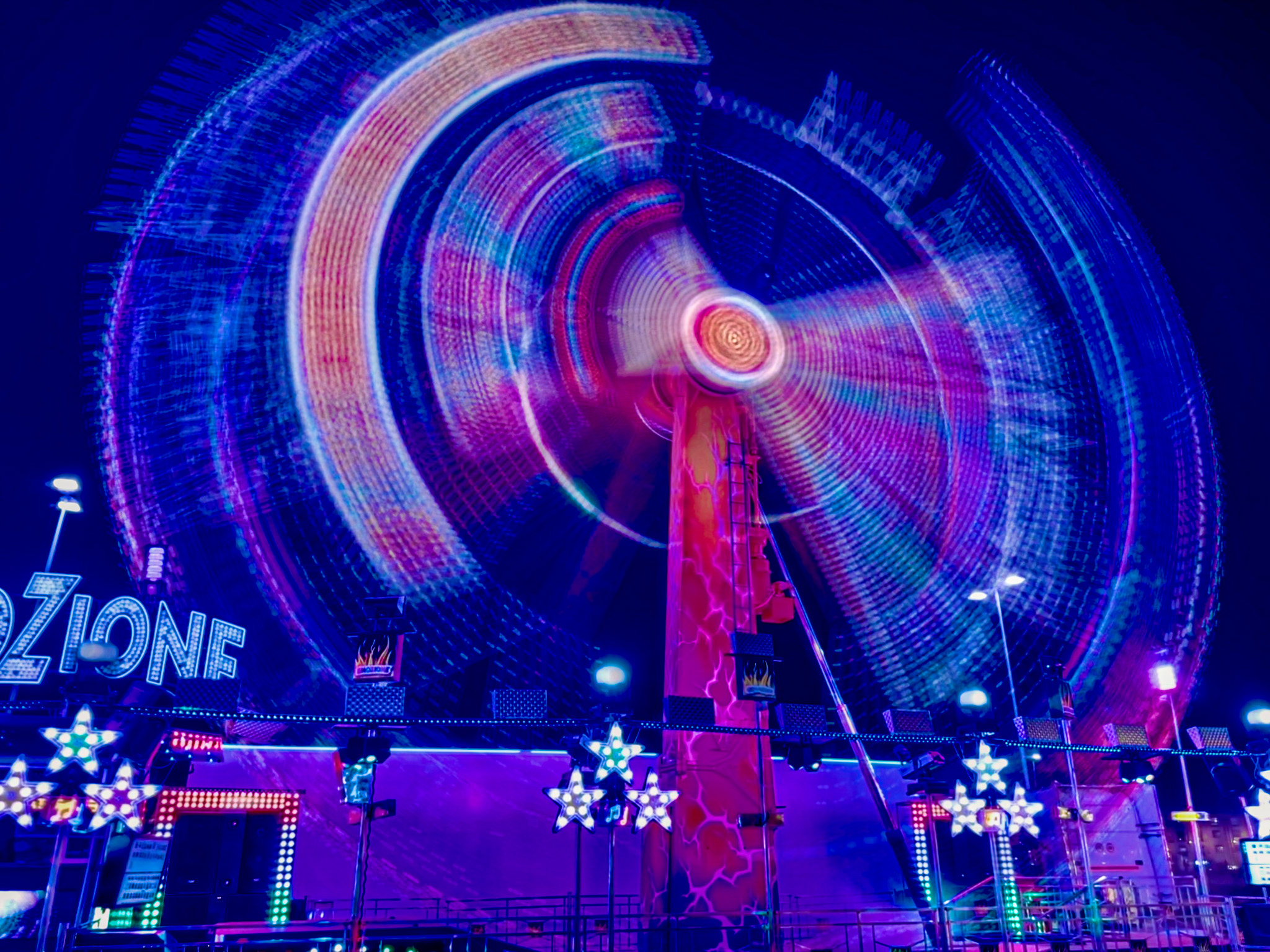
I hope you liked these images of the Genoa Luna Park. And maybe learning about the hidden feature of turning “LIVE” images shot on an iPhone into long exposure photographs.
Post-processing done within the iPhone photo app.
If you are looking for more tips and inspirations around photography, check out my free Learning Center.
Have a great Thursday!
Marcus
Related Posts: